WooCommerce store speed recovery
Sample case study layout. A slow WooCommerce store brought back to passing Core Web Vitals on mobile without changing its theme or checkout flow.
- Client
- [Client name or "Confidential — D2C e-commerce brand"]
- Role
- Performance engineer
- Timeline
- [e.g. 2 weeks]
- Published
- 20 Aug 2026
Impact
- LCP (mobile)
- 4.2s→0.8s
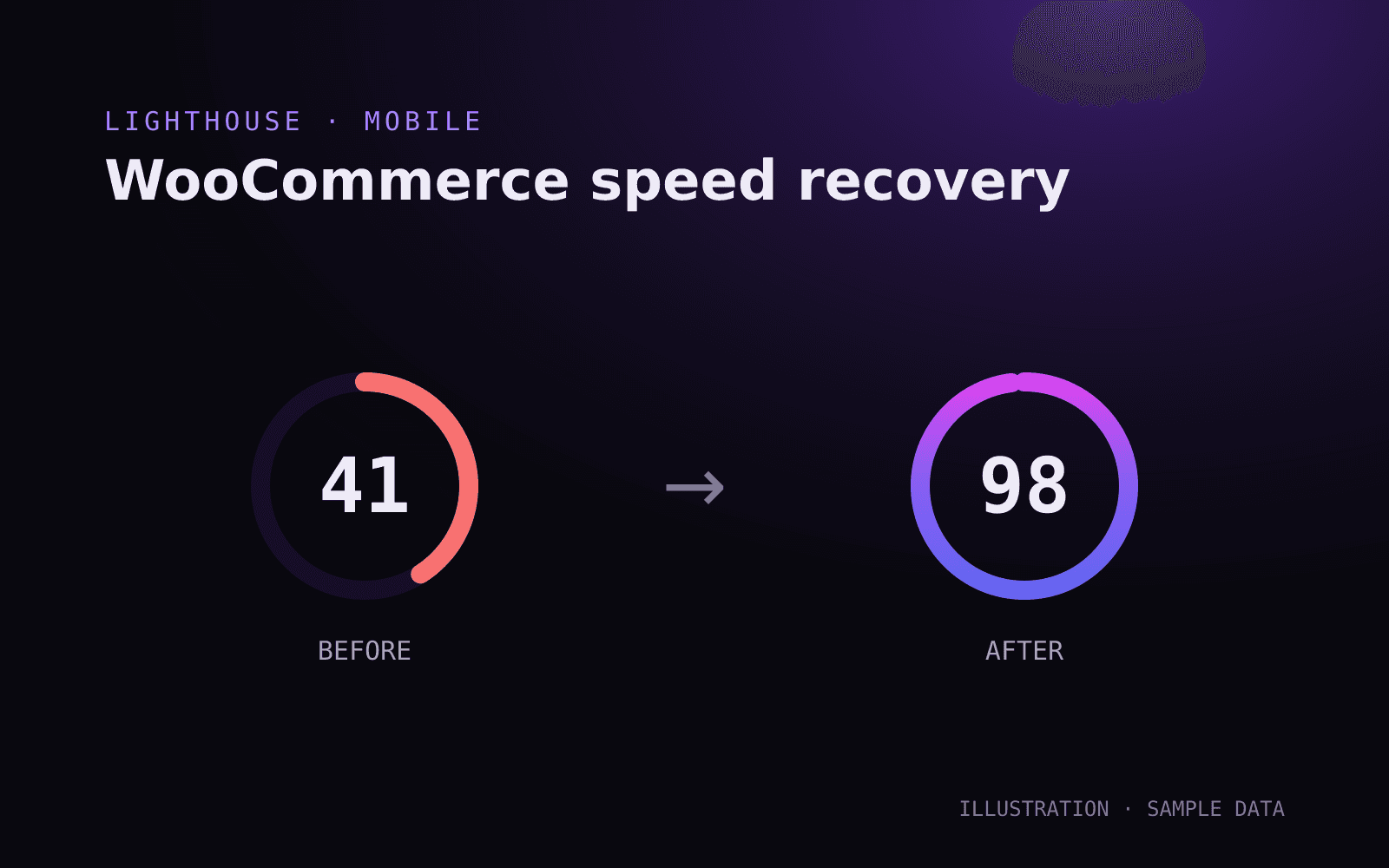
- Lighthouse performance
- 41→98
- CLS
- 0.31→0
The problem
[Replace] Mobile visitors waited several seconds for product pages. Too many plugins loaded assets on every page, a hero slider was the LCP element, and layout shifted as fonts and banners loaded.
The solution
[Replace] Audited every plugin's front-end assets and loaded them only where needed, replaced the slider with a static, preloaded hero image, self-hosted fonts with metric-matched fallbacks, and added page plus object caching.
AI acceleration
[Replace] AI helped write the asset-audit script and draft conditional enqueue rules; every rule was reviewed and tested page by page.
Replace this sample#
This entry shows how a case study is laid out. Edit it in /keystatic → Projects, replace the bracketed text and numbers with a real project, then untick Sample content.
A good case study answers#
- What was the business problem, in the client's words?
- What did you measure first, and with what tool?
- What did you change, and why that rather than the obvious alternative?
- What changed afterwards, in numbers?